Setup Rojo
First, what is Rojo ?
Rojo (RO-jo) is an open-source project management tool for Roblox. It allows developers to:
Write Roblox games using external code editors (like VSCode)
Use professional development tools and workflows
Manage game files on the filesystem
Sync code between your editor and Roblox Studio
Work collaboratively using Git version control
How to set up Rojo ?
We’ll provide you with Template game repository which already have Rojo installed in them. So to start your local Rojo Server, all you need to do is to go in the VSCode menu using Ctrl+Shift+P:
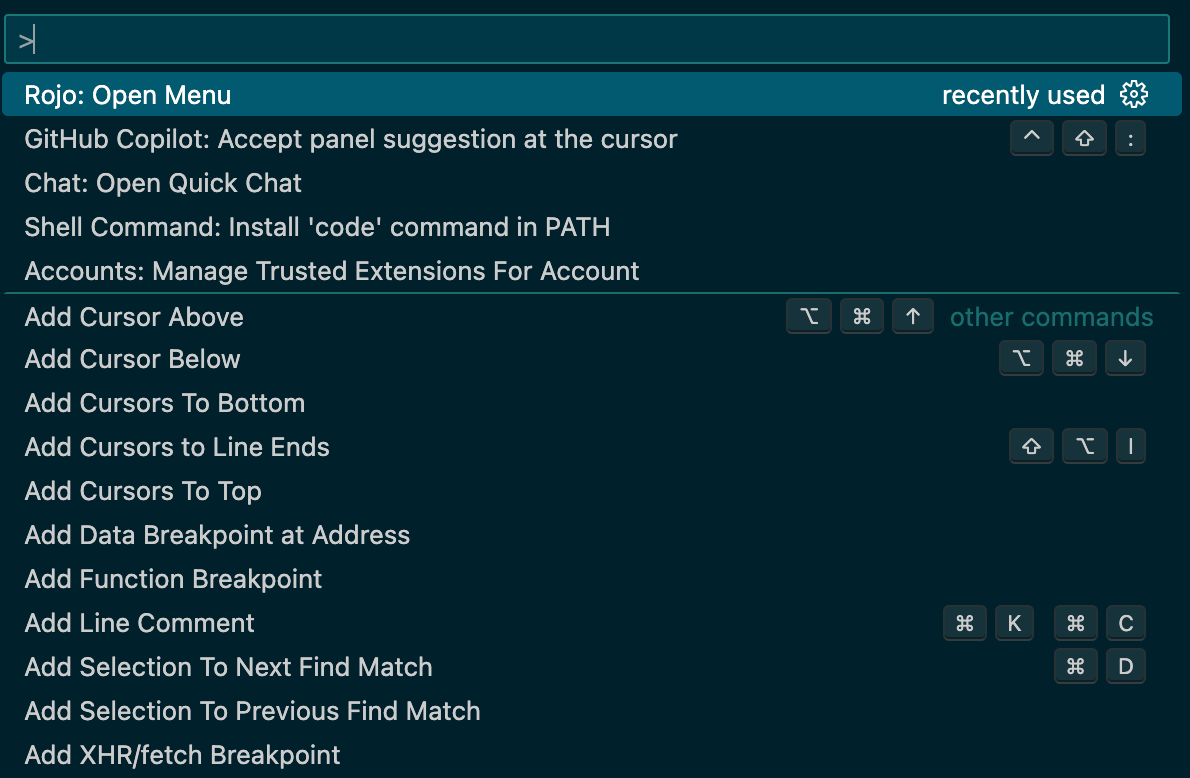
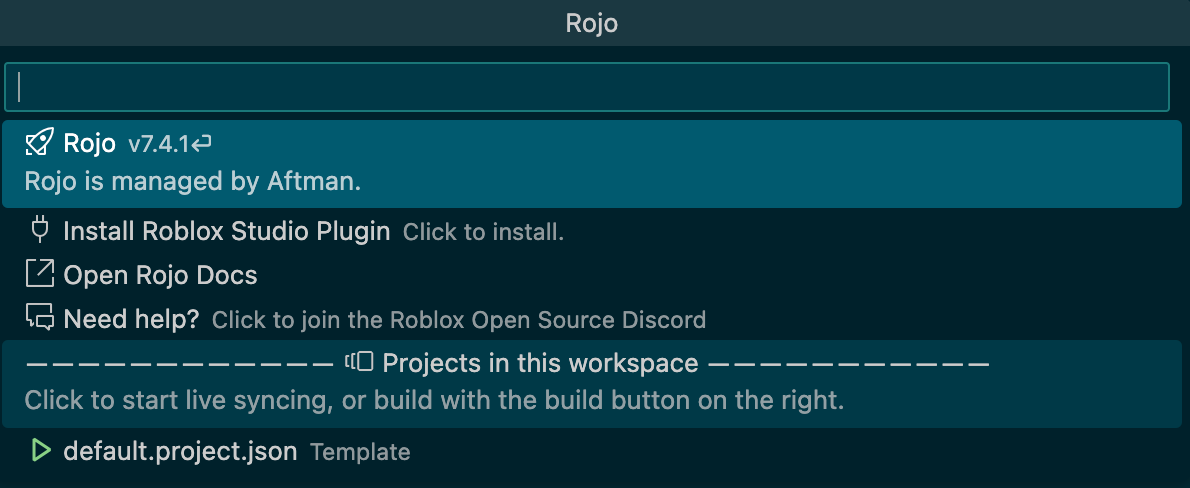
Then, start typing " Rojo " and click on " Rojo: Open Menu ", and then click on " default.project.json ":
Now, in Roblox Studio, open the plugin tab which should look like this:
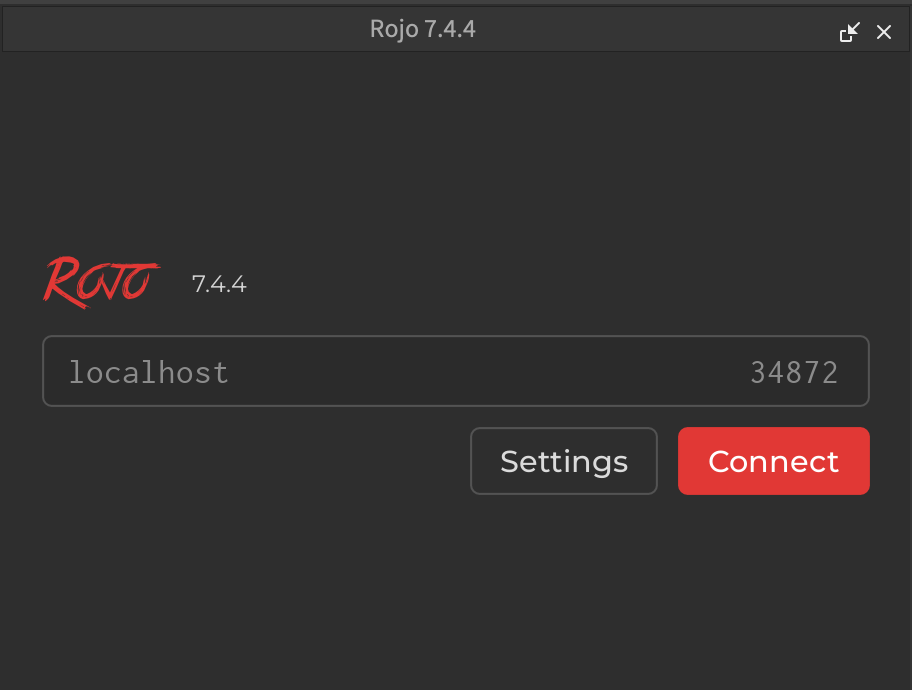
And click on " Connect ". This menu will inform you about your current Rojo connection:
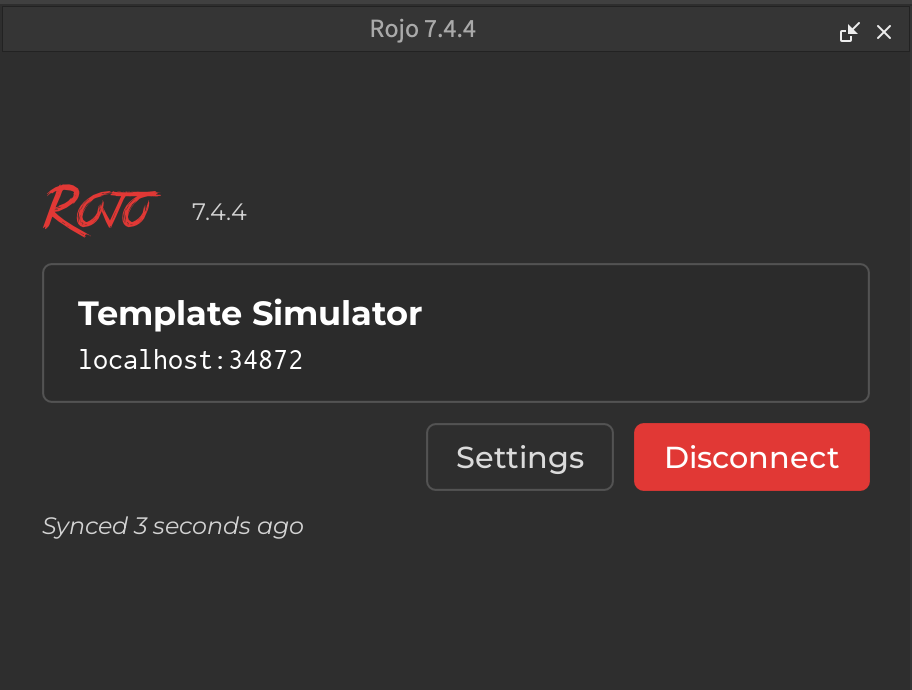
Now, whenever you save your code on VSCode, it will automatically be updated on Roblox Studio.